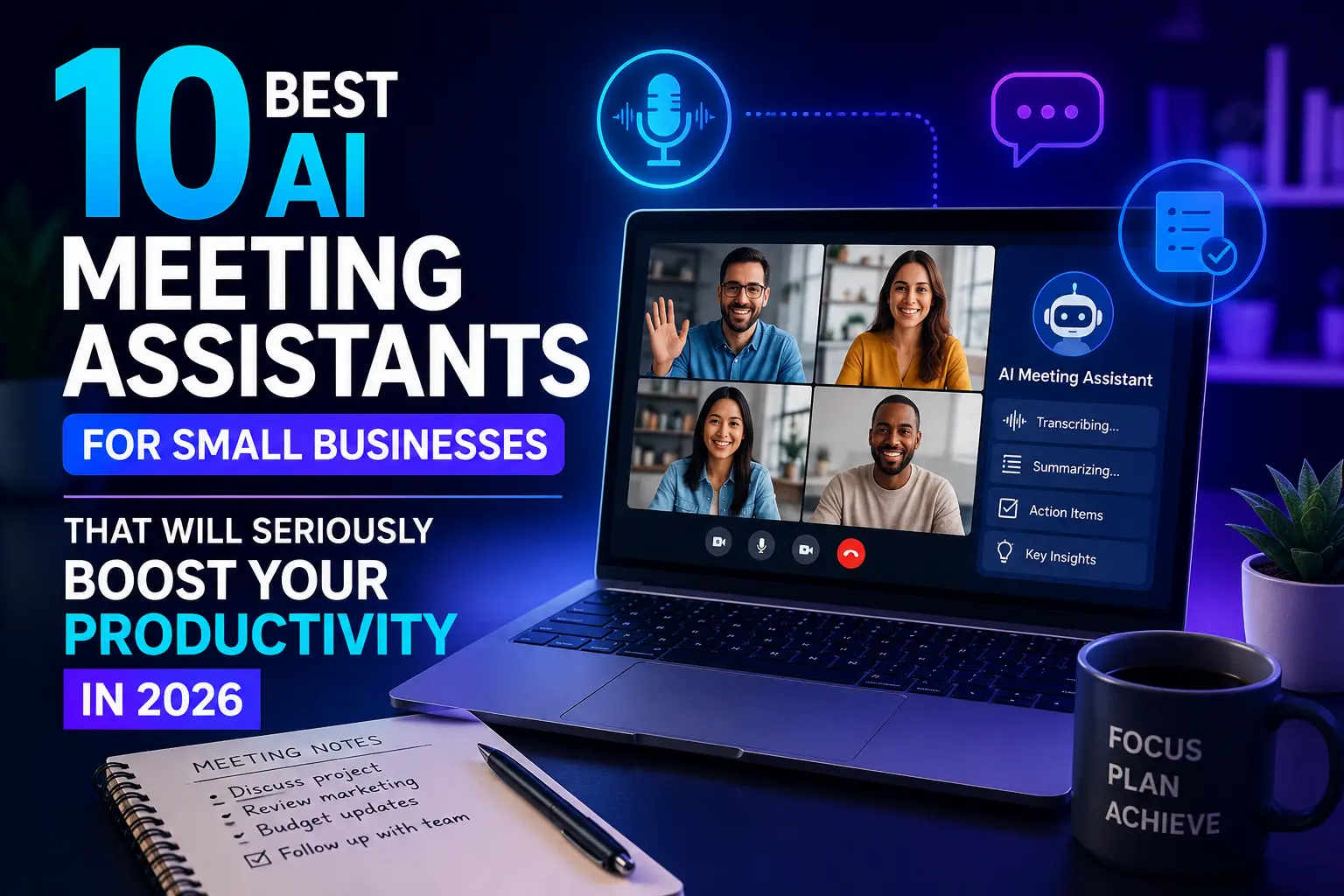
Running a small business means every hour counts — and yet, the average professional spends nearly 31 hours per month in unproductive meetings, according to research cited by productivity experts. That’s time that could be spent closing deals, serving customers, or building your product. AI meeting assistants for small businesses are changing this equation fast. These tools join your calls, take notes automatically, generate summaries, and even follow up on action items — so you can stay fully present in the conversation instead of furiously scribbling.
The market has matured significantly in 2026. What started as basic transcription tools has evolved into intelligent platforms that integrate with your CRM, draft follow-up emails, and flag risks in real time. For small business owners who can’t afford a dedicated executive assistant, these tools are the next best thing.
Whether you’re running solo client calls on Zoom, managing a remote team across time zones, or pitching investors on Google Meet, there’s an AI meeting assistant built for your workflow. Here’s a curated breakdown of the 10 best options available right now.
What Are AI Meeting Assistants and Why Do Small Businesses Need Them?
An AI meeting assistant is software that joins your video or audio calls, records the conversation, transcribes it in real time, and then uses AI to extract the most useful information — summaries, action items, decisions, and key highlights.
For small businesses, the benefits are concrete:
- No more missed follow-ups — action items are captured automatically.
- Better client relationships — you stay focused on the person, not your notepad.
- Searchable meeting archives — find any conversation topic in seconds.
- Faster onboarding — new team members can catch up by reviewing past calls.
The tools below were evaluated on ease of use, integration depth, transcription accuracy, pricing for small teams, and the quality of AI-generated summaries.
10 Best AI Meeting Assistants for Small Businesses in 2026
1. Fathom
Fathom is one of the most generous AI meeting assistants available, offering a fully functional free plan that makes it an obvious starting point for small businesses.
Key Features
- Real-time transcription and highlight tagging during the call
- Automatic meeting summaries sent to you after every call
- One-click sharing of clips and summaries with teammates
- Native integrations with HubSpot, Salesforce, Notion, and Slack
Best for: Solopreneurs and small sales teams who want a reliable, zero-cost starting point.
Pricing: Free plan available; paid plans start at around $19/month per user.
2. Fireflies.ai
Fireflies.ai is a powerhouse for teams that live inside their CRM. It records, transcribes, and analyzes meetings, then pushes structured data directly into tools like Salesforce, HubSpot, and Pipedrive.
Key Features
- AI-powered conversation intelligence with sentiment analysis
- Topic tracking and speaker talk-time breakdowns
- Searchable meeting repository across your entire team
- Zapier integration for custom automation workflows
Best for: Small sales teams and customer success managers who need meeting data to feed their pipeline.
Pricing: Free tier available; paid plans from $10/month per seat.
3. Otter.ai
Otter.ai is one of the most recognized names in meeting transcription. Its strength lies in real-time live transcription, which makes it especially useful for hybrid teams where not everyone is on video.
Key Features
- Live transcript visible to all meeting participants
- Automated meeting notes with speaker labels
- OtterPilot joins Zoom, Google Meet, and Teams automatically
- Slide capture syncs visual context with the transcript
Best for: Teams running frequent internal meetings or workshops where live notes matter.
Pricing: Free plan with 300 minutes/month; Pro plan at $16.99/month.
4. tl;dv
tl;dv (short for “too long; didn’t view”) is built around the idea that most people will never rewatch a full meeting recording — but they will watch a 2-minute highlight reel. The tool makes clipping and sharing the most important moments incredibly easy.
Key Features
- Timestamp any moment during a live call with one click
- AI-generated meeting reports with key decisions and action items
- Multi-meeting insights that surface trends across multiple calls
- Deep integrations with Notion, Linear, and HubSpot
Best for: Product teams, agencies, and consultancies that share call insights with clients or stakeholders.
Pricing: Free plan available; Pro from $18/month per user.
5. Krisp
Krisp takes a different approach. Rather than joining your meeting as a bot, it installs directly on your computer’s audio layer and works with any application — Zoom, Slack huddles, WhatsApp calls, even your VoIP phone system.
Key Features
- AI noise cancellation removes background noise before transcription
- Platform-agnostic — works with any voice app on your device
- Meeting transcripts and summaries generated without a bot joining
- Particularly useful for fieldwork or noisy environments
Best for: Business owners or team members working from cafes, co-working spaces, or job sites.
Pricing: Free plan with limited minutes; Pro at $8/month per user.
6. Fellow
Fellow is purpose-built around meeting culture and team accountability. It combines a collaborative agenda builder with AI-powered note-taking and action item tracking in one unified workspace.
Key Features
- Pre-meeting agenda templates shared with all participants
- AI meeting summaries with task assignments
- Manager check-in flows and one-on-one meeting frameworks
- Integrations with Asana, Jira, Slack, and Google Calendar
Best for: Small teams with a structured meeting culture who want accountability built in.
Pricing: Free for up to 10 users; Pro from $7/month per user.
7. Granola
Granola is one of the newer tools gaining serious traction in 2026. It works differently from most: you jot rough notes during the meeting yourself, and Granola uses the audio to transform those loose notes into polished, structured meeting summaries.
Key Features
- Works entirely in the background — no bot joins your call
- Enhances your own notes rather than replacing them
- Clean, minimal interface with a fast setup
- Currently available on macOS
Best for: Consultants, coaches, and freelancers who prefer to stay in control of their notes but want AI to polish them.
Pricing: Free plan; paid plans under $15/month.
8. Zoom AI Companion
If your small business already runs on Zoom, the built-in AI Companion is worth activating before subscribing to a third-party tool. It has improved substantially and now offers solid transcription, smart summaries, and thread generation inside Zoom Chat.
Key Features
- Meeting summaries available immediately after the call
- Smart chapters that divide recordings by topic
- In-meeting question answering (“What did we decide about the budget?”)
- Included at no extra cost with paid Zoom plans
Best for: Businesses already on Zoom Pro or Business that want to avoid an extra subscription.
Pricing: Included with Zoom paid plans starting at $15.99/month per user.
9. Avoma
Avoma sits at the intersection of meeting intelligence and conversation analytics. It’s more advanced than a simple note-taker — it can track how often specific topics come up across all your calls, identify coaching opportunities for sales reps, and measure meeting effectiveness over time.
Key Features
- AI-generated notes, action items, and battle cards
- Revenue intelligence features for sales forecasting
- Call scoring and coaching tools for team managers
- CRM sync and calendar integration
Best for: Growing small businesses with a sales team that needs structured coaching and pipeline visibility.
Pricing: Starter plans from $19/month per user.
10. Notion AI Meeting Notes
For teams already working inside Notion, the native AI Meeting Notes feature added in 2025 is a compelling option. It connects directly to your workspace, meaning transcripts and summaries land exactly where your project documentation lives.
Key Features
- Transcripts stored directly in Notion pages
- Summaries linked to project docs and task databases
- Enterprise Search integration across Slack, Google Drive, and GitHub
- No additional tool to manage — everything stays in Notion
Best for: Small businesses using Notion as their central knowledge hub.
Pricing: Available on Notion Business plan; AI add-on at $10/month per user.
How to Choose the Right AI Meeting Assistant for Your Business
With so many options, the choice comes down to a few key questions:
Where do your meetings happen? If you’re locked into Zoom, start with Zoom AI Companion. If you use multiple platforms, choose a tool like Fireflies or Fathom that works across all of them.
What do you do with the output? Sales teams need CRM sync. Creative teams need shareable clips. Managers need accountability tracking. Match the tool’s strength to your actual workflow.
What’s your budget? Fathom, Fireflies, Otter, and tl;dv all offer workable free plans. For a team of five or fewer, you can likely start for free and upgrade only when you outgrow the limits.
Do you want a bot in the meeting or not? Tools like Krisp and Granola process audio locally or in the background — no bot joins your call. This matters in client-facing meetings where a bot joining can feel intrusive.
Conclusion
AI meeting assistants are no longer a luxury reserved for enterprise companies with dedicated IT teams. In 2026, they are practical, affordable, and genuinely transformative for small businesses. The best tool on this list is not necessarily the most expensive — it’s the one that fits naturally into how your team already works.
Start with a free tier, test it across two or three meetings, and pay attention to whether the summaries are actually useful and whether the action items match what you discussed. The right AI meeting assistant will feel invisible — and your team will wonder how they ever ran meetings without it.
Before we answer some frequently asked questions, you may also find these guides helpful:
10 Best Free AI Writing Tools for Content Creators in 2026: Powerful Picks That Actually Work
Small Business Automation: 7 Tasks You Can Automate in Your Small Business
Frequently Asked Questions (FAQ)
1. What is an AI meeting assistant?
An AI meeting assistant is a software tool that automatically joins your video or audio calls, records and transcribes the conversation, and then uses artificial intelligence to generate summaries, extract action items, and organize key insights. Instead of scrambling to take notes during a call, you stay fully present while the tool handles documentation in the background.
2. Are AI meeting assistants safe to use for confidential business calls?
Most reputable tools like Fathom, tl;dv, and Fellow use encrypted storage and comply with GDPR and SOC 2 security standards. Always review a tool’s privacy policy before using it for sensitive conversations. It is also good practice to inform all participants at the start of the call that the meeting is being recorded and transcribed by an AI tool.
3. Do all AI meeting assistants require a bot to join the call?
No, not all of them do. Tools like Krisp and Granola work at the audio layer directly on your device and never send a visible bot into the meeting room. This makes them a better fit for client-facing or executive calls where a bot joining might feel intrusive or unprofessional.
4. Can AI meeting assistants integrate with CRM tools like Salesforce or HubSpot?
Yes, several tools offer direct CRM integrations out of the box. Fireflies.ai, Avoma, and Fathom all push meeting notes, contact updates, and action items automatically into your CRM pipeline after each call ends, saving your team the manual data entry work that usually follows a sales or client meeting.
5. Which AI meeting assistant has the best free plan?
Fathom is widely considered the most generous free plan in this category, offering unlimited transcription and AI-generated summaries at no cost. Fireflies.ai and Otter.ai also have solid free tiers, though they come with monthly usage limits. If you are just getting started, Fathom is the safest first choice before committing to a paid subscription.
6. How accurate is AI transcription in 2026?
Transcription accuracy has improved dramatically and most leading tools now achieve between 90 and 95 percent accuracy under standard conditions with clear audio and standard English. Accuracy can drop with strong accents, heavy technical jargon, or poor microphone quality. Many tools allow you to add a custom vocabulary list, which helps when your business uses industry-specific terms regularly.
7. Can I use an AI meeting assistant for in-person meetings, not just video calls?
Yes. Tools like Otter.ai can transcribe in-person conversations through your phone or laptop microphone, making them useful for office meetings, client site visits, or informal discussions. Granola is specifically designed to enhance notes taken during face-to-face conversations, while Krisp works across any voice application on your device regardless of format.
8. Will participants know the meeting is being recorded by an AI tool?
In most cases, yes. Tools that send a bot into the meeting room make their presence visible to all participants from the moment they join. Tools that work locally on your device, such as Krisp, are not visible in the meeting interface. Regardless of which tool you use, best practice — and in many regions, the law — requires you to notify all participants before recording begins.
9. How much do AI meeting assistants cost for a small team of five people?
Costs vary depending on the tool and the plan you choose. At the free tier, you can get started at no cost with tools like Fathom or Fireflies.ai. Paid plans typically range from around seven dollars to twenty dollars per user per month. For a team of five, expect to spend somewhere between thirty-five and one hundred dollars per month on a solid mid-tier plan that includes full transcription, summaries, and integrations.
10. Can AI meeting assistants generate follow-up emails automatically?
Some tools can, yes. Fireflies.ai and Avoma both offer the ability to draft follow-up email templates based on the meeting summary and identified action items. The quality of the draft varies by tool and meeting complexity, but in most cases it gives you a strong starting point that takes only a minute to review, personalise, and send — which is far faster than writing one from scratch.