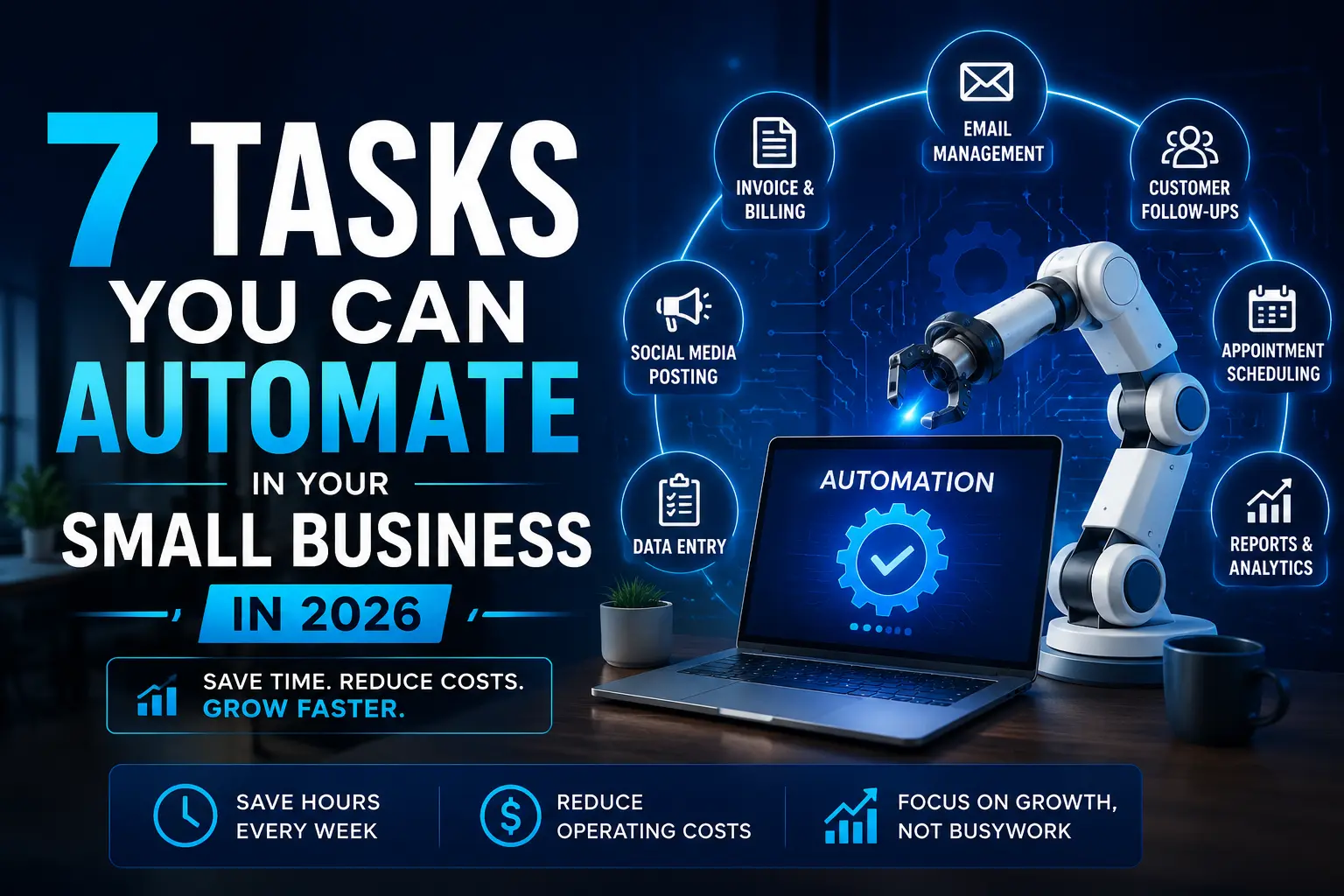
Running a small business often feels like doing five jobs at once. You are following up with leads, sending invoices, answering customer questions, scheduling meetings, checking reports, and trying to keep operations moving smoothly. That is exactly why small business automation matters so much in 2026. Instead of spending hours every week on repetitive admin work, business owners can now automate routine processes and use that saved time for sales, service, and growth. We will discussed 7 tasks you Can automate in your small business in 2026.
The biggest advantage of automation is not just speed. It is consistency. When a lead gets an instant response, an invoice goes out on time, or a customer receives a reminder automatically, your business looks more professional and works more reliably. That matters even more for small teams, where one missed step can easily create delays, errors, or lost revenue.
Many owners still assume automation is expensive or complicated. In reality, most small business automation starts with simple workflows that connect tools you already use. The smartest approach is not to automate everything. It is to automate the right tasks first.
What makes a task worth automating
Not every task in a business should be automated. The best automation candidates are tasks that happen frequently, follow a predictable pattern, and do not require deep human judgment every time.
A task is usually a strong candidate for automation if it has these qualities:
- It happens daily or weekly.
- It follows similar steps every time.
- It creates delays when nobody handles it quickly.
- It is boring, repetitive, or error-prone when done manually.
- It has a clear trigger, action, and expected outcome.
For example, sending an invoice after a job is completed can be automated. Deciding how to handle an angry customer with a special complaint should usually stay human-led. Good automation removes busywork, but it should not remove judgment where judgment matters.
Lead capture and lead follow-up
If you generate leads through your website, landing pages, forms, ads, or social media, this is one of the first things you should automate. New inquiries should not sit in your inbox waiting for someone to notice them.
A lead automation workflow can do several things instantly:
- Collect form details automatically.
- Add the lead to a CRM.
- Tag the source of the lead.
- Notify the right team member.
- Send a quick acknowledgment email or message.
This matters because speed often improves conversion. When a lead hears from your business quickly, even through a simple automated response, they are more likely to stay engaged.
Imagine a local service business that gets inquiries from its website. Instead of manually checking email every hour, the system can automatically capture the inquiry, send a thank-you message, assign it to the right person, and create a reminder for follow-up. That makes the business faster and more organized without adding more manual work.
Invoice generation and payment reminders
Cash flow is one of the biggest challenges for small businesses, and slow invoicing makes it worse. If invoices go out late or payment reminders depend on memory, revenue gets delayed for no good reason.
Automating invoicing can help you:
Generate invoices when a project or job is marked complete.
- Send recurring invoices on schedule.
- Track invoice status more accurately.
- Trigger reminders for unpaid invoices.
- Reduce time spent manually chasing payments.
This is one of the most practical forms of small business automation because the return is visible almost immediately. Better invoice timing often means faster payments, better cash flow, and less frustration.
A freelancer, consultant, agency, or contractor can benefit from this right away. Once a milestone is completed, the invoice can be sent automatically. If payment is overdue, the reminder flow can handle the follow-up without the owner needing to stop what they are doing and send another awkward message manually.
Appointment scheduling and reminders
Scheduling is another task that drains time without looking dramatic on the surface. But repeated back-and-forth messages about available times can waste hours over a month.
Automated scheduling helps by allowing customers or prospects to book from your available calendar directly. Once the booking is confirmed, the system can also send reminders, confirmations, and even follow-up messages after the meeting or appointment.
This automation is especially useful for:
- Consultants
- Coaches
- Agencies
- Repair businesses
- Salons
- Service providers
Instead of manually coordinating every booking, you create a system that works on its own. That means fewer missed appointments, fewer no-shows, and less time spent on admin.
For example, a coach can share one booking link, let clients choose a time, automatically send a reminder 24 hours before the session, and follow up with a next-steps email after the call. One workflow replaces several separate manual tasks.
Customer onboarding and document collection
Many businesses focus on getting the client, but lose time after the sale because onboarding is messy. New customers may need welcome emails, intake forms, contracts, questionnaires, file uploads, kickoff instructions, or internal task assignments.
If this process is handled differently every time, the result is confusion for both the team and the customer. That is why onboarding is one of the best tasks to automate in your small business.
A strong onboarding workflow can automate:
- Welcome emails after payment or approval.
- Questionnaires and intake forms.
- Requests for documents or files.
- Internal task creation for the team.
- Kickoff instructions and next-step checklists.
This improves both efficiency and customer experience. Every client receives the same clear and professional process instead of a rushed handoff.
For example, a design agency can automate client onboarding so that once the deposit is received, the customer gets a welcome message, a brand questionnaire, a document upload link, and a kickoff scheduling link. That removes confusion, saves time, and creates a stronger first impression.
CRM updates and sales pipeline movement
A CRM is only useful when it is up to date. The problem is that many small teams forget to update records because they are too busy handling actual work. That leads to bad data, missed follow-ups, and opportunities slipping through the cracks.
CRM automation solves this by moving contacts, deals, and tasks automatically when certain actions happen.
This type of workflow can:
- Add new leads to the right stage.
- Update records when someone replies.
- Trigger follow-up sequences when a lead goes quiet.
- Create reminders when a prospect clicks a proposal or booking link.
- Alert the team when a deal needs attention.
This makes your sales process more reliable without demanding constant manual updates. Instead of depending on memory, your business runs on defined follow-up rules.
For example, if a prospect downloads a pricing guide but does not book a call, the system can wait two days and send a follow-up email automatically. If the prospect clicks the link again, the owner can receive a notification to step in personally. This keeps the human touch where it matters while letting automation handle the repetition.
Customer support triage and routine replies
Many small businesses get the same customer questions over and over again. These may be about appointment changes, order updates, pricing, hours, delivery times, billing status, or refund policies.
You do not need to answer all of these from scratch every single time. Support automation can help sort and respond to routine queries while passing more serious or sensitive issues to a real person.
This kind of automation can:
- Send an instant acknowledgment when a message is received.
- Categorize incoming support requests.
- Answer basic questions using approved templates.
- Route urgent issues to the right team member.
- Keep response times fast without making support feel impersonal.
The key is not to automate empathy. It is to automate the repetitive part of support so your team can spend more time on cases that actually need human attention.
For example, an ecommerce business can automate order-status messages and return-policy answers while sending damaged-item complaints or refund disputes directly to a support agent. That balance helps the business stay responsive without becoming robotic.
Weekly reporting and dashboard updates
Reporting is often one of the most overlooked opportunities in small business automation. Owners and managers waste a lot of time pulling numbers from different tools just to understand what happened during the week.
This process can be automated so that the right data arrives on time without manual work. Instead of building the report every Monday, you receive it automatically and spend your time acting on it.
A reporting workflow can automate:
- Sales summaries
- Lead volume updates
- Overdue invoice tracking
- Support volume reporting
- Marketing performance snapshots
- Operations dashboards
This matters because good decisions depend on timely visibility. If your reports are late, incomplete, or never reviewed because they take too long to prepare, your business loses momentum.
For example, a small ecommerce brand can receive a Monday morning dashboard with order volume, lead count, unpaid invoices, support tickets, and top-selling products. That creates a much clearer operational picture without needing to open five different tools and build the report by hand.
Social media scheduling and content publishing
Social media is important for many small businesses, but posting consistently can become another repetitive task that interrupts more important work. Content planning, scheduling, and publishing are often good automation candidates, especially when your business uses the same channels every week.
Automating parts of your social workflow can help you:
- Schedule posts in advance.
- Publish content across multiple platforms.
- Maintain a more consistent posting calendar.
- Reduce the time spent on repetitive posting tasks.
- Free up mental energy for better content planning.
This does not mean your whole brand voice should be automated. It means your publishing routine can become more organized and less reactive.
For example, a business owner can plan one week of content in one sitting and let the scheduling workflow handle publishing across platforms. That makes social activity more consistent without requiring daily manual posting.
What not to automate first
Automation works best when you begin with clear, repeatable processes. It does not work well when you start with something messy, emotional, or highly sensitive.
Tasks you should usually avoid automating first include:
- High-stakes customer complaints
- Complex negotiation
- Refund disputes with unusual situations
- Strategy decisions
- Any process with too many exceptions
If the manual process is already confusing, automation will only make the confusion faster. Before automating anything, document the current workflow, simplify it, and remove unnecessary steps.
How to start small without making mistakes
The safest way to begin is with one high-impact, low-complexity workflow. Do not try to automate your entire business in one month.
A practical way to start looks like this:
- List the repeated tasks your business handles every week.
- Identify which ones take the most time or create the most friction.
- Choose one workflow with clear rules, such as lead follow-up or invoice reminders.
- Define what triggers the automation.
- Set the action that should happen.
- Review exception cases before going live.
- Test it with real examples.
- Improve it before adding a second workflow.
This approach gives you quick wins and lowers the risk of mistakes. One working automation that saves time every week is far more useful than several half-finished workflows that nobody trusts.
Tools often used for small business automation
Small businesses usually do not need enterprise systems to automate common workflows. In many cases, the right setup is a combination of existing business tools plus a workflow connector.
Common tool categories include:
- CRM software for lead and deal management
- Invoicing or accounting tools for billing
- Scheduling tools for appointments
- Email automation tools for follow-ups
- Workflow connectors for moving data across apps
The most important thing is not choosing the fanciest tool. It is building the right process. A well-designed workflow with a simple tool often creates more value than a complicated setup no one uses properly.
Conclusion
The best tasks to automate in your small business are the ones that repeat often, follow clear rules, and steal time from more valuable work. Lead follow-up, invoicing, appointment reminders, onboarding, CRM updates, customer support triage, reporting, and social scheduling are all strong starting points.
Small business automation is not about replacing people. It is about removing repetitive admin so people can focus on work that actually needs human attention, judgment, and creativity.
If you start with one smart workflow and build carefully, automation can help your business save time, reduce mistakes, improve customer experience, and grow more smoothly in 2026.
Before we answer some frequently asked questions, you may also find these guides helpful:
Context Engineering: The AI Skill That’s Replacing Prompt Engineering in 2026
AI Privacy Wars: Why Privacy-First AI Platforms Are the Next Big Thing in 2026
Frequently Asked Questions
What are the top 5 automation tools?
Some of the best automation tools for small businesses are Zapier, Make, n8n, HubSpot, and Microsoft Power Automate. These tools help automate repetitive tasks, connect apps, improve productivity, and reduce manual work.
What is SMB AI automation?
SMB AI automation is the use of artificial intelligence and automation tools to simplify business operations for small and medium-sized businesses. It can automate customer support, marketing, sales, invoicing, scheduling, and data entry, helping businesses save time and reduce costs.
Can ChatGPT automate tasks?
Yes, ChatGPT can automate many business tasks when integrated with automation platforms like n8n, Zapier, or Make. It can generate content, answer customer questions, summarize documents, draft emails, analyze data, and assist with business workflows.
What can I automate to make money?
You can automate content creation, email marketing, lead generation, appointment scheduling, customer support, social media posting, invoicing, and online store operations. Automating these tasks helps reduce costs, improve efficiency, and increase business revenue.
What are the 4 types of automation?
The four common types of automation are fixed automation, programmable automation, flexible automation, and intelligent automation. Each type is designed for different business needs, ranging from repetitive manufacturing tasks to AI-powered decision-making.
Is AI a type of automation?
AI is not a type of automation, but it enhances automation by enabling systems to learn, make decisions, and adapt to changing situations. Combining AI with automation creates intelligent workflows that require less human intervention.
What are the disadvantages of automation?
Automation may require an initial investment, employee training, and regular maintenance. Some tasks still require human judgment, and over-reliance on automation can create problems if systems fail or incorrect workflows are implemented.
What is L1 and L2 automation?
L1 automation handles simple, rule-based tasks such as sending notifications or updating records automatically. L2 automation is more advanced and includes conditional logic, integrations, approvals, and AI-assisted decision-making across multiple business systems.
What is a PLC in automation?
A Programmable Logic Controller (PLC) is an industrial computer used to automate machines and manufacturing processes. It controls equipment such as conveyor belts, motors, sensors, and robotic systems by executing programmed instructions quickly and reliably.