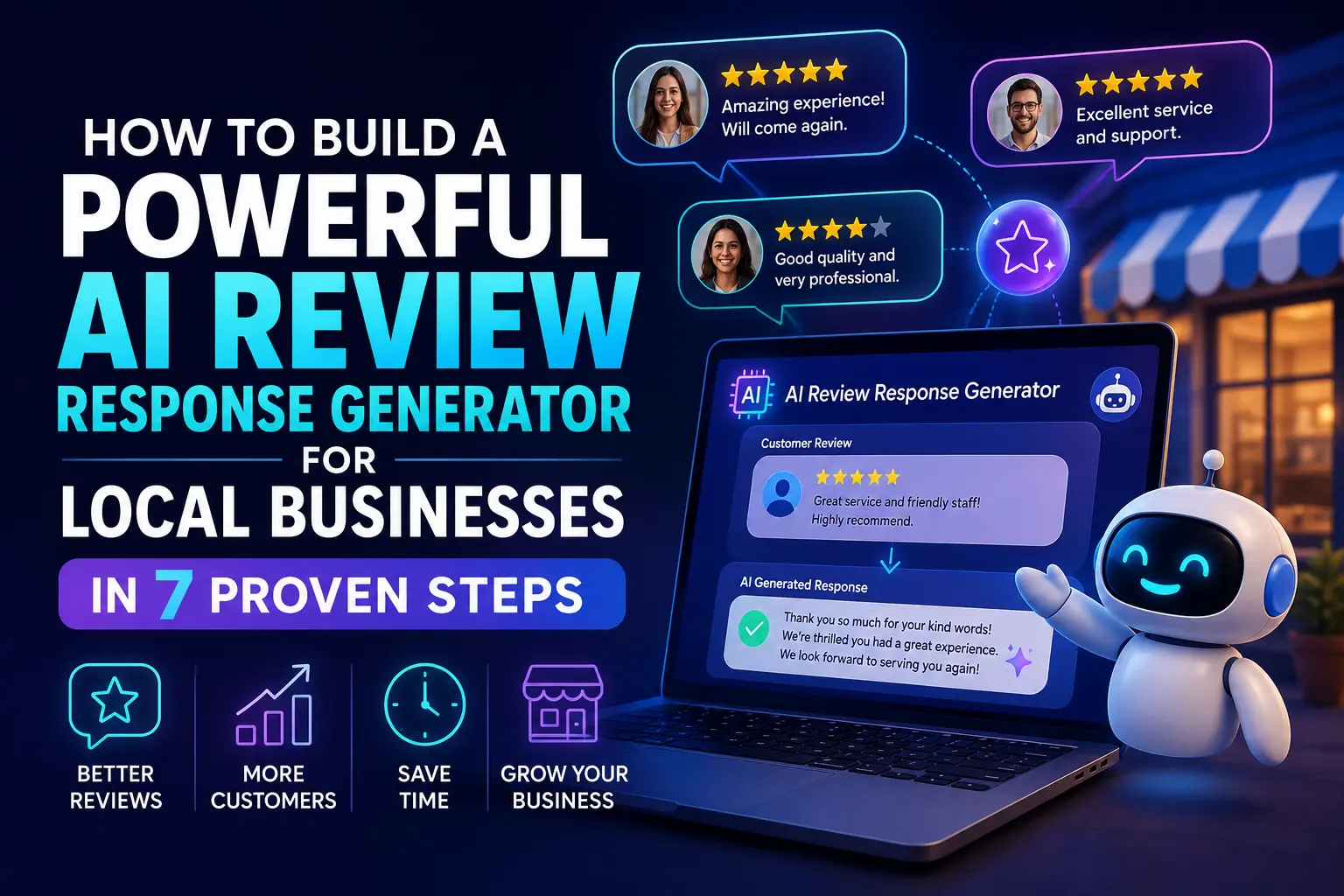
Every week, hundreds of customers leave reviews about local businesses — and most of those reviews never get a reply. That silence costs you more than you think. Studies show that nearly 88% of consumers say they would use a business that replies to all reviews, yet most small business owners simply don’t have the time to respond consistently. That’s where an AI review response generator changes everything.
An AI review response generator is a system — built using tools you already have access to — that automatically drafts personalized, professional replies to customer reviews on platforms like Google, Yelp, TripAdvisor, and Facebook. Instead of spending 20–30 minutes a day responding to reviews, you can handle it in under five minutes, or let the system run nearly on its own.
This guide walks you through exactly how to build one, step by step. No coding degree required. Whether you run a restaurant, a dental clinic, a hair salon, or a plumbing business, this workflow will work for you.
Why Your Local Business Desperately Needs an AI Review Response Generator
Replying to reviews isn’t just good manners — it’s a direct ranking signal for Google’s local search algorithm. Google has confirmed that businesses that respond to reviews are seen as more reputable, and this can influence where you appear in local map pack results.
Beyond SEO, there’s the trust factor. A potential customer reading your Google profile will often scroll straight to the reviews. When they see you actively engage with both positive and negative feedback, it builds confidence. When they see silence? They move on.
The problem is human bandwidth. If you’re running a small business, you’re already wearing ten hats. Drafting a warm, brand-consistent reply to every review — especially negative ones — takes mental energy that’s hard to spare.
An AI review response generator solves this by doing the heavy lifting while keeping your voice and tone consistent.
What You Need Before You Start Building
Before jumping into the setup, gather these essentials:
- A Google Business Profile (or Yelp/TripAdvisor account) with API or integration access
- An AI tool account: ChatGPT (OpenAI API), Claude API, or a no-code tool like Zapier AI or Make (Integromat)
- An automation platform: n8n, Zapier, or Make — depending on your budget and tech comfort
- A brand voice document: A short paragraph describing your business tone (friendly, formal, casual, etc.) — this trains the AI to sound like you
You don’t need to use all of these at once. We’ll cover both the simplest possible setup and a more robust automated pipeline.
How to Build an AI Review Response Generator: 7 Steps
Step 1: Define Your Review Response Brand Voice
Before you let AI write anything, give it direction. Create a short “brand voice brief” — just 3–5 sentences describing how your business communicates.
Example for a dental clinic:
“We are a friendly, professional family dental practice. Our tone is warm, reassuring, and grateful. We always thank patients by name if possible, acknowledge their specific feedback, and invite them back. We never get defensive, even in negative reviews.”
Save this. You’ll paste it into every AI prompt as context. This is what makes the responses feel human, not robotic.
Step 2: Choose Your AI Tool
You have two realistic options here:
Option A — Manual-Assisted (Beginner-Friendly):
Use ChatGPT or Claude directly. Copy a review, paste it into the chat with your brand voice brief, and ask for a reply. Fast, cheap, no setup needed.
Option B — Fully Automated Pipeline:
Use n8n, Zapier, or Make to connect your review platform to an AI API. New reviews trigger an automatic draft, which lands in your email or a Google Sheet for approval.
For most small business owners, Option A is the right starting point. Once you’re comfortable with the output quality, you can graduate to Option B.
Step 3: Write Your Master AI Prompt
This is the most important part of the entire system. A great prompt produces great replies. A lazy prompt produces generic, hollow responses.
Here’s a proven master prompt template you can copy and customize:
“You are the customer response manager for [Business Name], a [type of business] known for [key quality]. Reply to the following customer review in a warm, professional, and sincere tone. If the review is positive, thank them genuinely and invite them back. If the review is negative, acknowledge their concern without being defensive, apologize where appropriate, and offer to make it right. Keep the response between 60–100 words. Do not use clichés like ‘We strive for excellence.’ Here is the review: [PASTE REVIEW]”
Test this with 5–10 real reviews from your business. Adjust the tone instructions until the output consistently matches your brand.
Step 4: Set Up Your Automation Workflow (Optional but Powerful)
If you want reviews handled automatically — without opening ChatGPT every time — you need an automation workflow.
Here’s a simple flow using n8n or Zapier:
- Trigger: New review posted on Google Business Profile (via Google My Business API or a third-party connector like GatherUp or Reviewly)
- Action: Send the review text + your master prompt to OpenAI’s API (GPT-4o or GPT-3.5)
- Output: Draft reply delivered to your email, Slack, or a Google Sheet
- Approve and Post: You review the draft and post it manually, or automate posting via the API
This setup takes about 2–3 hours to configure once, and then runs indefinitely. n8n is particularly cost-effective if you self-host it — their workflow automation platform has a free tier and excellent documentation.
Step 5: Handle Negative Reviews Differently
Positive review responses are easy. Negative reviews require a different prompt and a human review step.
For negative reviews, modify your prompt:
“This is a negative review. Respond calmly and professionally. Acknowledge the customer’s experience without admitting legal liability. Apologize for falling short of their expectations. Offer to resolve the issue offline by inviting them to contact [phone/email]. Do not be defensive. Do not offer discounts in the public reply.”
Always read AI-generated responses to negative reviews before posting. The AI may occasionally miss nuance, especially for reviews involving serious complaints like health or safety issues.
Step 6: Build a Review Response Library
After a few weeks of using your AI system, you’ll notice patterns. Certain types of reviews keep appearing — “Great service!”, “Long wait times”, “Staff was rude”, “Best [product] in town.”
Build a personal library of the best AI-generated responses for these recurring themes. Keep them in a Google Sheet with categories: positive short, positive detailed, negative-service, negative-wait time, neutral/mixed.
This library speeds up your workflow further and ensures consistency even when you tweak prompts over time.
Step 7: Test, Refine, and Monitor Performance
Set a monthly reminder to review the quality of your AI-generated responses. Ask yourself:
- Do they sound like us?
- Are customers responding positively to our replies?
- Are we seeing more reviews come in (since active responders often get more reviews)?
- Have our Google ratings or review volume changed?
Track your average review rating and review count monthly. Over time, actively responding to reviews — even with AI assistance — typically leads to more reviews and higher average scores.
Pro Tips for Better AI Review Responses
Personalize where possible. If a customer mentions a staff member by name or a specific dish, make sure your AI prompt or follow-up edit captures that detail. Generic responses get noticed as generic.
Keep a human in the loop for 1-star reviews. Always manually approve responses to serious complaints. One poorly worded reply to an angry customer can go viral for the wrong reasons.
Rotate response styles. If every positive review gets the same 80-word thank-you, regular customers will notice. Ask your AI to occasionally vary the length and structure of responses.
Don’t respond within seconds. If you’re using full automation, add a 30–60 minute delay before posting. Instant replies to reviews can look bot-like to savvy customers.
Common Pitfalls to Avoid
Using one generic prompt for everything. A response to a 5-star review raving about your food should sound different from one replying to a complaint about parking. Segment your prompts.
Ignoring the brand voice brief. Skipping this step is why most AI review tools produce bland, forgettable responses. Your voice brief is the soul of the system.
Over-automating without review. Full automation is appealing, but publishing AI responses without a human glance — especially for negative reviews — is a risk not worth taking in most cases.
Not using the customer’s name. When a review includes the customer’s name, use it in your reply. “Thank you, Sarah!” feels entirely different from “Thank you for your feedback.”
Conclusion
Building an AI review response generator for your local business isn’t a luxury anymore — it’s a practical necessity. As competition grows and customers increasingly rely on reviews to make decisions, the businesses that respond consistently, warmly, and quickly will stand apart.
You don’t need a developer, a big budget, or hours of spare time. You need a clear brand voice, a well-crafted prompt, and either a few minutes per day using ChatGPT or an automated n8n/Zapier workflow running quietly in the background.
Start with Step 1 today. Write your brand voice brief, test your master prompt on 10 real reviews, and see what the output looks like. Once you see how close AI can get to your natural voice, you’ll wonder why you waited this long.
Before we answer some frequently asked questions, you may also find these guides helpful:
7 Best AI SOP Generator Tools in 2026 That Seriously Cut Documentation Time
Frequently Asked Questions
What is an AI review response generator?
An AI review response generator is a system or tool that uses artificial intelligence — typically a large language model like GPT-4 or Claude — to automatically draft replies to customer reviews on platforms like Google, Yelp, or TripAdvisor. You can use it manually (paste a review, get a reply) or automate it fully with tools like n8n or Zapier.
Is it safe to use AI to respond to Google reviews?
Yes, it’s completely safe as long as a human reviews the responses before posting — especially for negative reviews. Google does not penalize AI-assisted responses. The key is to ensure the replies sound genuine and aren’t spammy or repetitive.
Which AI tool is best for generating review responses?
ChatGPT (GPT-4o) and Claude are the most popular choices for quality and flexibility. For fully automated pipelines, OpenAI’s API integrated with n8n or Zapier is the most widely used setup. The best tool depends on your budget and technical comfort.
How much does it cost to set up an AI review response system?
It can cost as little as $0 if you use free tiers of ChatGPT and Zapier for low volumes. For a fully automated system handling 50–200 reviews per month, expect to spend $20–$60/month on API credits and automation platform fees.
Can AI handle negative reviews well?
AI can draft a solid starting point for negative review responses, but always review these manually before posting. Negative reviews often require nuanced judgment — knowing when to apologize, when to clarify, and when to take the conversation offline.
Will customers know my responses are AI-generated?
Not if you set up your brand voice prompt correctly and occasionally personalize the output. Generic AI responses are recognizable, but well-prompted, brand-specific responses are difficult to distinguish from human-written ones.
How long should AI-generated review responses be?
Aim for 60–100 words for most responses. Longer isn’t better — customers want to feel acknowledged, not lectured. For complex negative reviews, 100–150 words is appropriate.
Can I use AI to respond to reviews on multiple platforms at once?
Yes. You can set up separate automation workflows for Google, Yelp, TripAdvisor, and Facebook, all feeding into the same AI prompt system. Platforms like GatherUp or Podium also aggregate reviews across channels if you prefer an all-in-one tool.
Do I need technical skills to build this system?
Not necessarily. The manual approach (copy-paste into ChatGPT) requires zero technical skill. The automated pipeline with n8n or Zapier requires basic familiarity with connecting apps and setting up triggers — many non-technical business owners manage it with a few YouTube tutorials.
How often should I review the AI’s output quality?
Check a sample of your AI-generated responses monthly. Look for tone drift, repetitive phrasing, or responses that missed the mark. Refreshing your prompt every 1–2 months keeps the output sharp and brand-consistent.