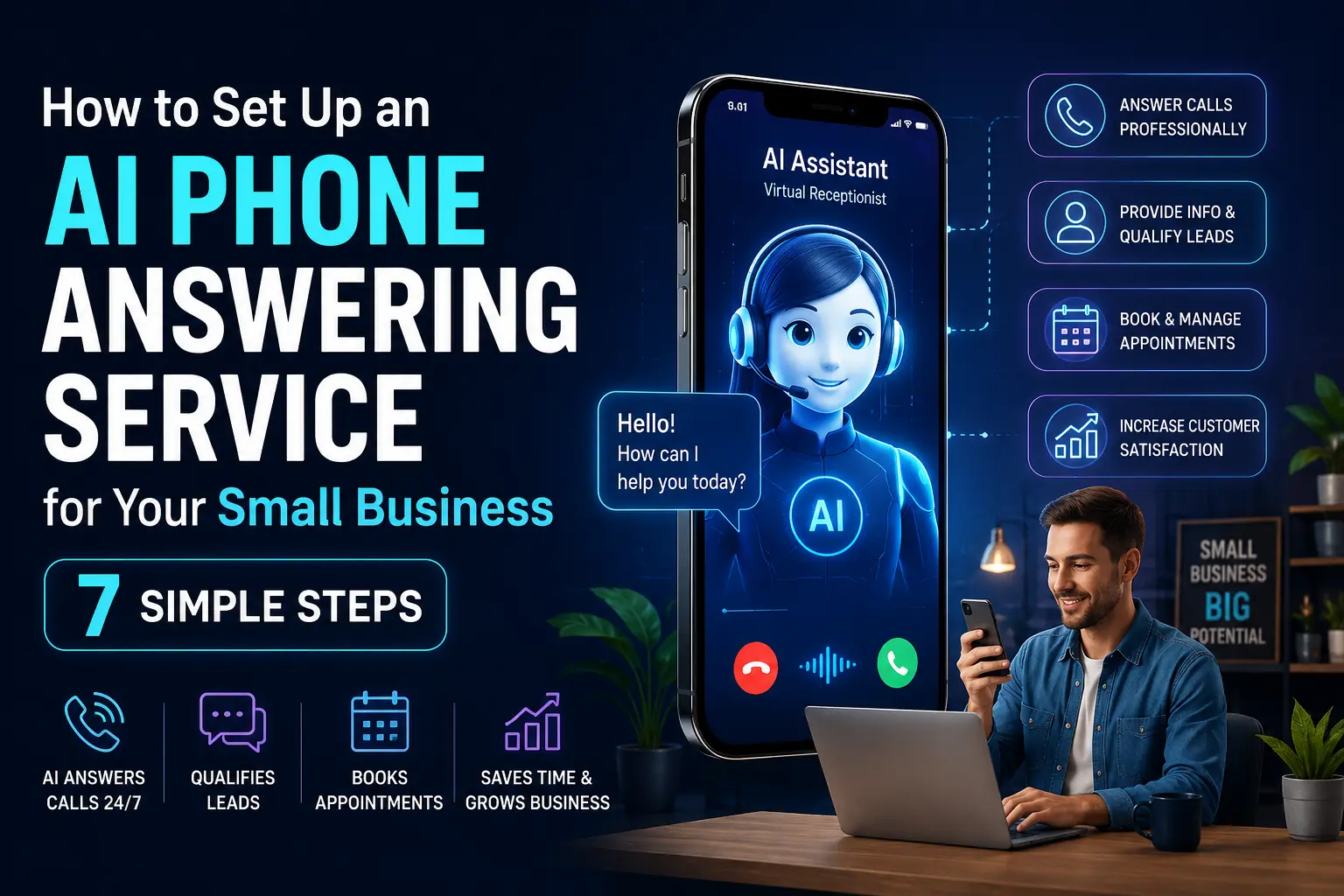
Your phone rings at 9 PM on a Tuesday. A potential customer wants to book an appointment, ask about your pricing, or check if you’re open tomorrow. Nobody picks up. They move on to your competitor. You find out the next morning when you see a missed call with no voicemail.
This happens to small businesses every single day, and it quietly bleeds revenue in ways most owners never track. An AI phone answering service changes that equation entirely. It answers every call, handles common questions, books appointments, and escalates urgent issues to you, all without hiring a receptionist or paying for an answering service that charges per minute.
This guide walks through what AI phone answering actually is, which tools are worth your time, and how to get one running for your business without needing a tech background or a big budget.
What Is an AI Phone Answering Service?
An AI phone answering service is a voice-powered system that answers your business calls automatically using artificial intelligence. Unlike the robotic IVR systems of the past (“Press 1 for billing, Press 2 for support”), modern AI phone answering services actually understand natural speech. A caller can say “I want to reschedule my appointment for Friday afternoon” and the system will process that request, check availability, and confirm the booking without any human involvement.
The technology behind this has improved dramatically. Today’s AI phone answering systems use large language models and voice synthesis to hold natural-sounding conversations, which means callers often don’t realize they’re talking to a bot, at least not immediately. Tools like Goodcall, Synthflow, and Air.ai are purpose-built for small businesses and can be configured in a few hours.
This is different from a chatbot. It works over the phone. Real voice calls. That matters because phone calls are still the preferred contact method for a large portion of small business customers, especially in services like home repair, healthcare, legal, beauty, and local retail.
Why Small Businesses Are Switching to AI Phone Answering
The reason this category has grown so fast isn’t that it’s trendy. It’s because the economics actually make sense.
A full-time receptionist in most markets costs anywhere from $25,000 to $45,000 per year when you factor in salary, benefits, and training time. A part-time or virtual receptionist is cheaper but still limited to business hours. An AI phone answering service runs at a fraction of the cost and handles calls at 2 AM just as well as at 2 PM.
There’s also the consistency factor. A human receptionist has good days and bad days. They might sound rushed during a busy afternoon, forget to collect a caller’s email address, or skip a key qualification question. An AI answering service asks exactly the same questions in exactly the same way on every single call. For businesses where lead qualification matters, that kind of consistency is genuinely valuable.
7 Reasons to Set Up an AI Phone Answering Service for Your Business
1. You Stop Losing Leads to Missed Calls
Research from Harvard Business Review found that lead response time is one of the biggest factors in whether a prospect converts. Calling back an hour later is often too late. An AI phone answering service answers immediately, collects the lead’s information, and can even send an automated follow-up SMS or email right after the call ends.
2. Your Business Is Open 24 Hours Without the Overhead
After-hours calls are not a niche problem. Depending on your industry, 20% to 40% of inquiries can come outside of traditional business hours. A restaurant getting reservation calls at 11 PM, a plumber getting an emergency call at midnight, a tutor getting a parent inquiry on Sunday, these all benefit from an AI answering service that never sleeps.
3. It Handles Repetitive Questions So You Don’t Have To
Most small businesses get asked the same questions over and over. Hours, location, pricing, parking, service availability. An AI phone answering service handles all of this without consuming your time or your team’s attention. You program the answers once and the system handles the repetition forever.
4. Appointment Booking Becomes Fully Automated
This is one of the most practical benefits. AI phone answering services can integrate with scheduling tools like Calendly, Acuity, or Google Calendar. A caller can book, reschedule, or cancel an appointment entirely through the phone call without any human intervention. For salons, clinics, gyms, and consultants, this alone can justify the monthly cost.
5. You Get Detailed Call Analytics
Unlike a human receptionist who might give you a rough summary of the day’s calls, an AI answering service logs every interaction. You can see call volume by hour, which questions came up most often, how many callers hung up without leaving information, and where people dropped off in the conversation. That data is useful. It shows you where your scripts need improvement and which hours see the most traffic.
6. It Scales Instantly During Busy Periods
Imagine running a promotion that doubles your incoming calls for a week. A receptionist gets overwhelmed. An AI phone answering service handles 10 simultaneous calls just as smoothly as it handles one. No hold music, no “can you call back later,” no dropped calls during a spike.
7. Customers Get a Consistent, Professional Experience Every Time
First impressions on the phone matter more than most business owners admit. A frazzled, rushed, or distracted response when someone calls can immediately undermine confidence in your business. An AI phone answering service delivers a calm, clear, professional greeting every time, with no exceptions.
Best AI Phone Answering Tools for Small Businesses in 2026
You don’t need an enterprise budget to get started. Here are the tools worth looking at:
Goodcall is designed specifically for small businesses. It integrates with popular scheduling and CRM platforms and is known for being one of the easier setups in the category. Pricing starts at affordable monthly rates and scales based on call volume.
Synthflow offers more customization for businesses that want to define their own call flows. It supports multi-step conversations and can be connected to tools like Zapier and Make for automation triggers.
Air.ai positions itself as a more conversational AI that can handle longer, more complex calls. It’s been used in industries like insurance, real estate, and home services.
Smith.ai takes a hybrid approach, using AI for initial screening and routing but with human agents available as backup. If you want the safety net of a real person for complex situations, this is worth considering.
The right choice depends on your industry, call volume, and how much customization you need. Most offer free trials, so testing before committing is straightforward.
How to Set Up an AI Phone Answering Service: Step-by-Step
Step 1: Identify Your Call Types
Before you configure anything, spend 20 minutes writing down every type of call your business receives. Appointment bookings, general inquiries, complaints, supplier calls, price questions. Group them into categories. This exercise will directly inform how you structure your AI’s conversation flows.
Step 2: Choose Your Tool and Sign Up
Based on your call categories and budget, pick one of the tools mentioned above and create an account. Most will ask you for a business description, your hours, and your phone number during onboarding.
Step 3: Write Your Greeting and Scripts
This is where most businesses underinvest. Your AI phone answering service is only as good as the scripts you give it. Write a greeting that sounds like your brand, not like a bank’s automated system. Include your business name, what the AI can help with, and a clear option to reach a human if needed.
Write out answers to your top 10 most common questions. The more specific and detailed these are, the better your AI will perform.
Step 4: Set Up Call Routing and Escalation
Decide which calls should be handled entirely by the AI and which should be escalated to you or a team member. Complaints and complex issues usually need a human. Booking confirmations and FAQ responses generally don’t.
Step 5: Integrate With Your Calendar or CRM
If appointment booking is part of your use case, connect the AI tool to your scheduling software. Most platforms support Zapier or direct API integration. Test this thoroughly before going live.
Step 6: Run a Test Phase
Do not launch immediately. Have friends or team members call the number and work through different scenarios. Note where the conversation breaks down, where the AI misunderstands the request, or where the response sounds unnatural. Fix those gaps before customers encounter them.
Step 7: Go Live and Monitor for the First 30 Days
After launch, check the call logs daily for the first few weeks. Look for patterns in where callers drop off or express frustration. Tweak your scripts and conversation flows based on real data. The setup is not a one-time thing; it improves over time as you refine it.
Common Mistakes to Avoid
Not telling callers they’re talking to an AI is a mistake that can backfire. Customers feel deceived when they find out mid-conversation. A simple “Hi, you’ve reached [Business Name]. I’m an AI assistant and I can help you with bookings, questions, and more” sets the right expectation without sounding apologetic.
Skipping the escalation path is another common error. An AI phone answering service that traps callers in a loop with no way to reach a human will frustrate people and create a negative brand impression. Always give callers an easy out to speak with someone.
Setting it up and forgetting it is the third mistake. Your business changes, your pricing changes, your hours change. Your AI scripts need to reflect those changes or you’ll end up with a system that gives callers outdated information.
Conclusion
An AI phone answering service is not a futuristic experiment for large call centers. It’s a practical, affordable tool that solves a real problem small businesses face every single day: calls going unanswered, leads slipping away, and staff time being consumed by repetitive inquiries.
The setup process is manageable. The cost is reasonable. The upside, capturing more leads, improving customer experience, and freeing up your own time, is significant.
The real question worth asking is not “should I try this?” but “how much is each missed call actually costing me?” If the answer is more than the monthly subscription fee for an AI phone answering service, the decision is already made.
Before we answer some frequently asked questions, you may also find these guides helpful:
How to Build a Powerful AI Review Response Generator for Local Businesses in 7 Proven Steps
Frequently Asked Questions
What is an AI phone answering service for small businesses?
An AI phone answering service is a voice-based system that automatically answers business calls using artificial intelligence. It can respond to common questions, book appointments, collect caller information, and route urgent calls to a human, all without a human receptionist.
How much does an AI phone answering service cost?
Pricing varies by provider and call volume. Most small business plans range from $30 to $200 per month. This is significantly less than hiring even a part-time receptionist, and the service runs 24 hours a day without overtime or sick days.
Can an AI phone answering service book appointments?
Yes. Most modern AI phone answering tools integrate with scheduling platforms like Calendly, Acuity Scheduling, and Google Calendar. Callers can book, reschedule, or cancel appointments during the call without any human involvement.
Will my customers know they’re talking to an AI?
With current voice AI technology, callers may not immediately recognize they’re speaking to an AI. However, it is recommended to disclose this upfront to build trust and avoid potential negative reactions if a caller figures it out mid-conversation.
What types of businesses benefit most from AI phone answering?
Service-based businesses benefit the most. Salons, clinics, law firms, home repair services, gyms, tutoring centers, restaurants, and real estate agencies are among the top use cases because they receive a high volume of booking and inquiry calls.
Can I still receive urgent calls personally?
Yes. All AI phone answering services include call escalation or forwarding features. You can configure the system to transfer calls flagged as urgent directly to your mobile number during business hours or after hours if needed.
Is it difficult to set up an AI phone answering service?
Most small business tools in this category are designed to be set up without technical expertise. The process typically involves choosing a phone number, writing your scripts, setting your hours, and connecting your calendar. Initial setup can be completed in a few hours.
What happens if the AI cannot answer a caller’s question?
Good AI phone answering systems are designed to recognize when they’ve hit a limit. They typically offer the caller the option to leave a voicemail, receive a callback, or be transferred to a human. A well-configured escalation path ensures callers are never left without options.
Can an AI phone answering service handle multiple calls at the same time?
Yes, this is one of its core advantages over a human receptionist. An AI phone answering service can handle many simultaneous calls without any degradation in quality or response time. This is especially useful during promotions, seasonal spikes, or emergencies.
Are there any risks or downsides to using an AI phone answering service?
The main risks are poor script quality leading to caller frustration, and lack of maintenance as your business information changes. Customers may also prefer speaking to a human for emotionally sensitive or complex issues. These are manageable with the right setup and a reliable escalation path.