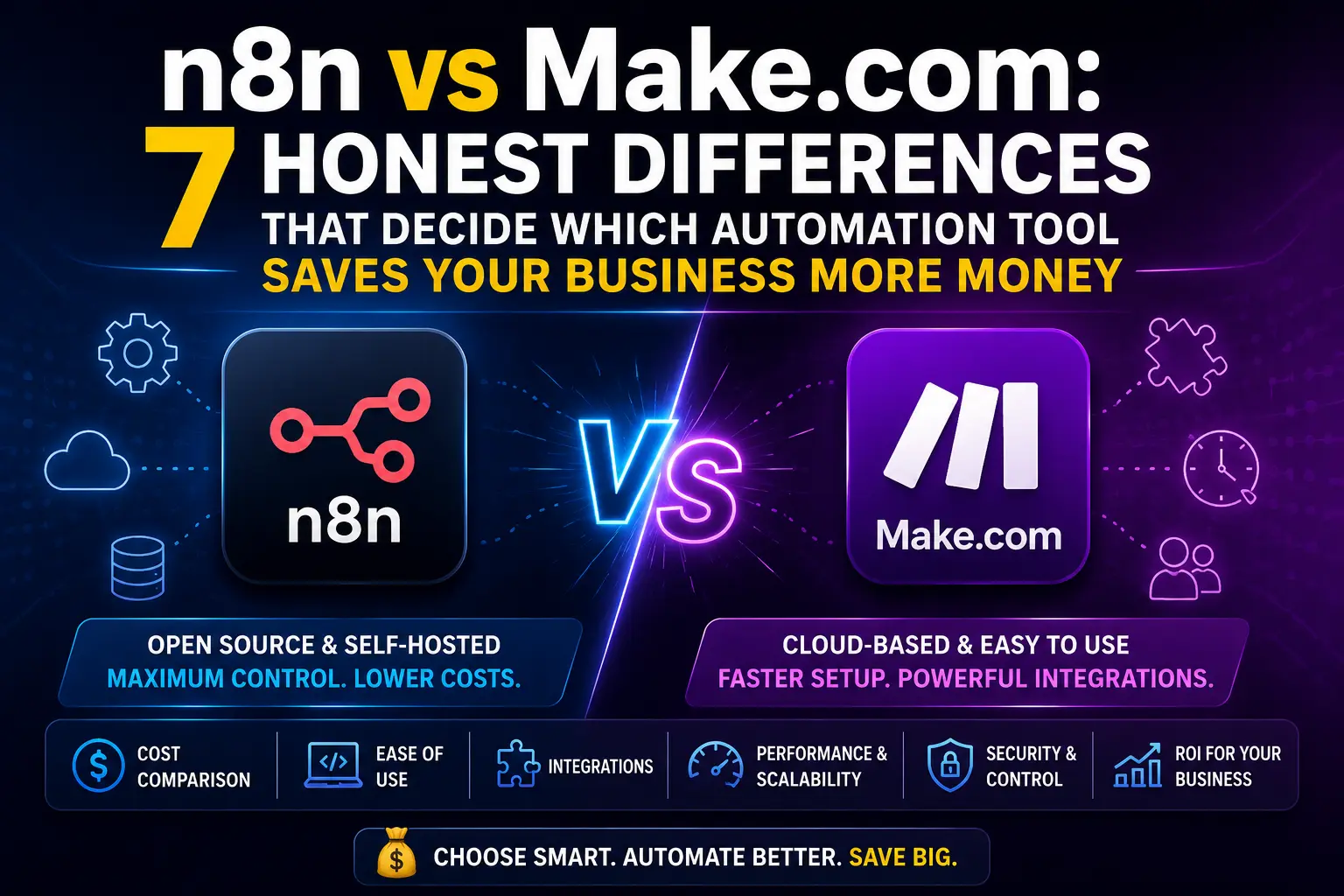
You set up your first automation, felt like a genius, then got the pricing email. That’s the moment most small business owners start seriously comparing n8n vs Make.com, because what looked free suddenly has a bill attached.
Both tools let you connect apps, automate repetitive tasks, and build workflows without writing code. But they work very differently under the hood, and choosing the wrong one can cost you either money every month or hours every week. This comparison breaks down the real differences, not the marketing version, so you can pick the one that actually fits how you work.
If you run a service business, a small online store, a freelance operation, or a growing startup, this guide is for you.
What n8n and Make.com Actually Do
Before comparing them, it’s worth being clear on what both tools are.
Make.com (formerly Integromat) is a visual automation platform where you build workflows using a drag-and-drop canvas. You connect apps like Gmail, WhatsApp, Airtable, Shopify, or Google Sheets using pre-built modules. Each “scenario” runs based on a trigger, then passes data through a sequence of steps.
n8n is also a visual workflow builder, but it has a key difference: you can self-host it on your own server. This means your data stays on your infrastructure. n8n also allows much deeper customization, including writing JavaScript directly inside nodes when you need logic that no pre-built module covers.
Both tools handle the n8n vs Make.com core use case well: automating workflows between apps without needing a developer for every task.
Pricing: Where the Real Gap Shows Up
This is where most small business owners make or break their decision.
Make.com pricing works on an operation-based model. Every action inside a scenario counts as one operation. Send an email: 1 operation. Look up a record in Airtable: 1 operation. Filter data: 1 operation. The free plan gives you 1,000 operations per month, which sounds like a lot until you build a real workflow with 8 steps that runs 200 times a month. That’s 1,600 operations gone.
Paid plans on Make.com start at around $9/month for 10,000 operations, going up to $16/month for 40,000 and $29/month for 150,000 operations. The pricing is predictable, but busy workflows eat through operations quickly.
n8n pricing works differently depending on how you use it:
- Self-hosted (free): You install n8n on your own server (like a DigitalOcean droplet or a VPS). There are no operation limits. Unlimited workflows, unlimited runs. You only pay for the server, which can be as low as $5-6/month.
- n8n Cloud: Starts at $20/month for 2,500 workflow executions per month.
- Enterprise: Custom pricing for larger teams.
For a small business running dozens of automations with hundreds of daily triggers, self-hosted n8n can save a significant amount compared to Make.com’s paid tiers. But self-hosting requires some technical comfort, which we’ll get to.
Ease of Use: Honest Assessment
Make.com wins on beginner experience. The interface is clean, visual, and forgiving. You see your entire workflow on one canvas, bubbles connected by lines, and each module shows you exactly what data flows through it. Troubleshooting is straightforward because Make highlights exactly where something failed.
n8n’s interface is also visual, but the learning curve is steeper. Nodes behave differently. Expressions (n8n’s way of referencing data from previous steps) use a specific syntax that trips up beginners. Setting up self-hosted n8n requires SSH access, Docker or npm, and basic server knowledge.
If you’ve never touched a server before, starting with Make.com makes sense. If you have a developer on call or you’re comfortable with basic Linux commands, n8n’s self-hosted version pays for itself fast.
App Integrations: Numbers vs Flexibility
According to the n8n integration directory, n8n supports 400+ native integrations. Make.com has over 1,000 pre-built app connectors.
On paper, Make.com wins on raw numbers. In practice, n8n closes the gap with two features:
HTTP Request node: n8n’s HTTP node lets you connect to any API, even if there’s no pre-built integration. As long as the service has an API (almost everything does), you can build the connection yourself.
Code node: You can write JavaScript directly inside n8n workflows. Need to transform data in a way no module supports? Write the logic yourself. This is simply not possible in Make.com at the same depth.
For businesses using popular tools like Gmail, Slack, Google Sheets, Shopify, or WhatsApp Business API, both platforms cover you. Where n8n pulls ahead is when you need custom logic or want to connect niche tools.
n8n vs Make.com for Data Privacy
This matters more than most automation guides admit.
When you run Make.com, your data flows through Make’s servers. If your workflows handle customer names, payment information, support tickets, or any sensitive business data, that data passes through a third-party infrastructure. For most small businesses this is fine, but for healthcare, legal, or finance-adjacent businesses, it can be a compliance issue.
n8n’s self-hosted version keeps everything on your server. No third party sees your workflow data. This is a real advantage for businesses in regulated industries or for anyone who’d rather not have customer data traveling through multiple cloud platforms.
Speed and Reliability
Make.com’s minimum polling interval on the free plan is 15 minutes. You upgrade to 1-minute polling on paid plans. For time-sensitive automations, that free-tier lag is genuinely frustrating.
n8n supports webhook triggers out of the box on all plans, including the free self-hosted version. Webhooks are instant: when something happens in your source app, the workflow fires immediately. No polling delay.
For automations that need real-time response, such as sending an immediate confirmation when a customer fills a form or firing a Slack alert the moment an invoice is overdue, n8n’s webhook approach is faster and more reliable regardless of plan tier.
When Make.com Is the Better Choice
Make.com makes sense when:
- You’re new to automation and want a polished no-code experience
- You don’t want to manage any servers, ever
- Your workflow volumes are low to moderate (under 40,000 operations/month)
- You need a specific integration that n8n doesn’t cover natively
- You want visual error logs and a support team to contact
The platform is well-maintained, has an active community, and works reliably for straightforward business automations. There’s nothing wrong with paying $9-16/month for peace of mind and a clean interface.
When n8n Is the Better Choice
n8n makes more sense when:
- You’re comfortable with basic server setup or have technical help available
- You’re running high-volume workflows where Make’s operation counts would get expensive
- Data privacy or compliance matters for your business
- You need custom JavaScript logic inside your workflows
- You want to self-host and control your infrastructure
- You’re building client automations and want white-label control
A small business running 50+ workflow executions per day with multi-step logic could easily exceed Make.com’s $29/month plan. The same workflows on self-hosted n8n cost only the server fee.
A Real-World Example: Lead Follow-Up Automation
Say you want to build this: When someone fills your website contact form, add them to your CRM, send a WhatsApp message, create a task in Trello, and log the entry in Google Sheets.
On Make.com, that’s roughly 4-5 operations per lead. At 200 leads per month, that’s 800-1,000 operations, which fits the free plan. Clean, easy to build, no server setup needed.
On n8n (self-hosted), the same workflow runs unlimited times with no operation counting. The setup takes longer initially, but once it’s live, the cost is effectively zero beyond your server.
At 2,000 leads per month, the math flips: Make.com starts charging more, while n8n keeps running on the same flat server cost.
Pro Tips Before You Decide
Start with Make.com if you’re just getting started. You’ll learn how automation logic works without the overhead of server management. Once you outgrow the free tier, you’ll know exactly what you need.
Don’t assume self-hosting n8n is scary. DigitalOcean’s one-click n8n droplet gets you live in under 20 minutes with no coding. The n8n documentation is detailed and their community forum is active.
Watch your Make.com operation count carefully. Add a counter to your scenario tracking and set up email alerts when you hit 80% of your monthly limit. Surprises on billing day are avoidable.
Test your workflows with small data sets first. Both platforms let you run single test executions. Use them before turning on live triggers. A misconfigured loop in Make.com can eat 10,000 operations in seconds.
Conclusion
The n8n vs Make.com decision isn’t about which tool is objectively better. It’s about your situation right now.
If you want to get started fast without touching a server, Make.com is excellent value at $9-16/month for moderate use. If your workflow volumes are high, you care about data privacy, or you want to pay less as you scale, n8n’s self-hosted option makes strong financial sense.
The honest answer? Many businesses end up using both. Make.com for quick client-facing automations where you need fast setup, n8n for the heavier internal workflows where operation costs would otherwise stack up.
Try Make.com’s free plan first. Build something real. Then look at your operation count after 30 days and decide whether you need to stay or switch.
Before we answer some frequently asked questions, you may also find these guides helpful:
How to Set Up an AI Phone Answering Service for Your Small Business in 7 Simple Steps
Frequently Asked Questions
Are Make and n8n the same?
No. Both are visual workflow automation tools, but they work differently. Make.com is a fully managed cloud platform with a polished interface and 1,000+ integrations. n8n is open-source, can be self-hosted, and offers deeper customization including JavaScript logic inside workflows. The core concept of connecting apps and automating tasks is similar, but the architecture and pricing models are quite different.
Is anything better than n8n?
Depends on your needs. For beginners wanting zero setup, Make.com or Zapier are more user-friendly. For enterprise-level power with code flexibility, n8n self-hosted is hard to beat. For businesses already invested in Microsoft products, Power Automate is worth looking at. There’s no single best tool; the right choice depends on your technical comfort, budget, and workflow complexity.
Which is easier to learn, n8n or Make?
Make.com is easier for beginners. The visual canvas is intuitive, error messages are clear, and you don’t need any server knowledge. n8n has a steeper initial learning curve, especially for self-hosting and understanding its expression syntax. That said, n8n’s cloud version is easier to start with and narrows the gap considerably.
Is Make.com or n8n free?
Both have free options. Make.com’s free plan gives 1,000 operations per month with 15-minute polling. n8n is free to self-host with no operation limits; you only pay for your server (typically $5-10/month on a basic VPS). n8n Cloud starts at $20/month. For zero cost, self-hosted n8n is the winner, but it requires server setup.
Is n8n 100% free?
The self-hosted version of n8n is free under its fair-code license. You can run unlimited workflows and executions on your own server at no cost from n8n itself. Server costs are your only expense. The n8n Cloud version is paid, starting at $20/month. Enterprise features and white-labeling have separate pricing.
How much does Make.com cost?
Make.com’s pricing tiers as of 2026 are approximately: Free (1,000 ops/month), Core at $9/month (10,000 ops), Pro at $16/month (40,000 ops), and Teams at $29/month (150,000 ops). Prices may vary by region and billing cycle. Annual billing usually saves around 20% compared to monthly.
Is Make.com free forever?
Make.com does offer a permanent free plan with 1,000 operations per month and 15-minute minimum polling intervals. There’s no time limit on the free tier. However, it has enough restrictions that growing businesses usually move to paid plans within a few months of serious use.
What are the best AI automation tools?
For small businesses, the top automation platforms worth considering in 2026 include Make.com, n8n, Zapier, and Microsoft Power Automate. For AI-specific workflows, tools like Relevance AI, Flowise, and LangChain integrations with n8n or Make are becoming popular. The best choice depends on your stack, budget, and whether you want no-code simplicity or developer-level flexibility.
Is Make.com trustworthy?
Yes. Make.com is a well-established platform used by thousands of businesses globally. It has solid uptime, GDPR compliance options, and an active support team. Data does pass through their servers, which is worth knowing if you handle sensitive customer information, but for most small business use cases, it’s a reliable and safe platform.
Should I use Make.com or n8n?
Use Make.com if you want a beginner-friendly interface, fast setup, and your monthly workflow volume stays under 40,000 operations. Use n8n if you want no operation limits, full data control, custom JavaScript logic, or you’re scaling automations where Make’s per-operation pricing would become expensive. If budget is tight and you’re comfortable with basic server setup, n8n self-hosted is the more cost-effective long-term choice.